You can also define an assessment checklist for the assessor to fill out after the online course has been completed by the client.
Creating a post assessment checklist
Steps
Navigate to Setup > Bookings > Online Courses > select online course
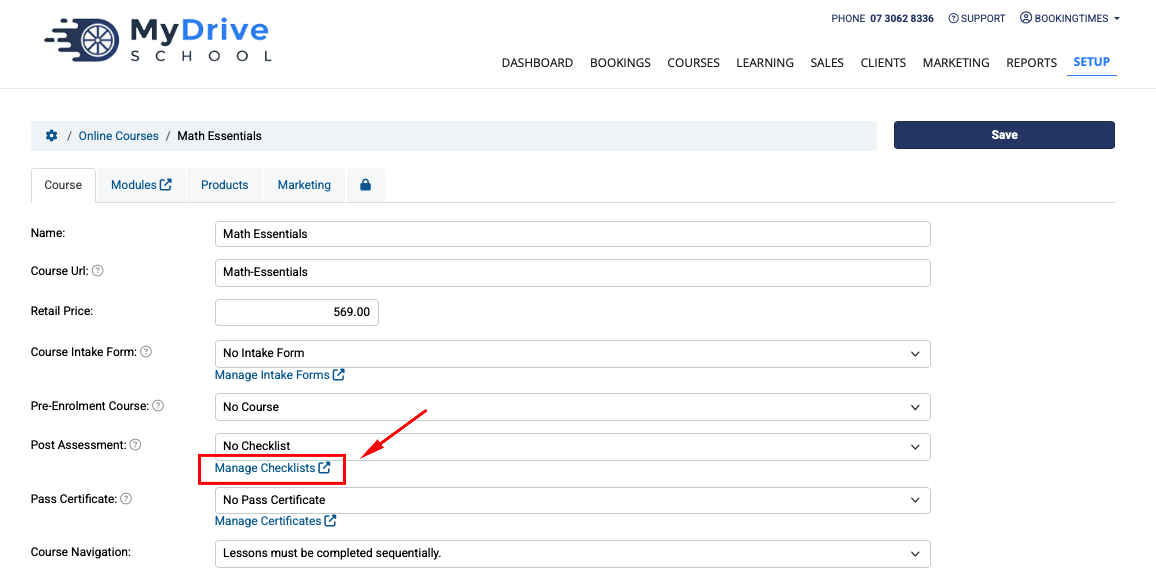
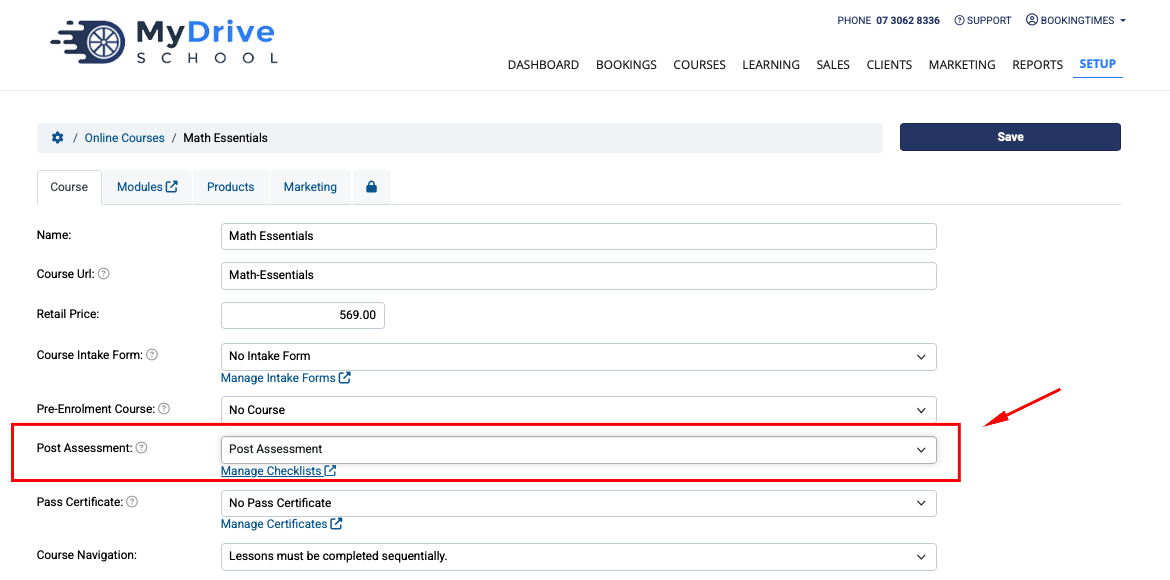
Go down to the Post Assessment field and click on Manage Checklists link (if no online assessment checklist exist yet within the drop down list)
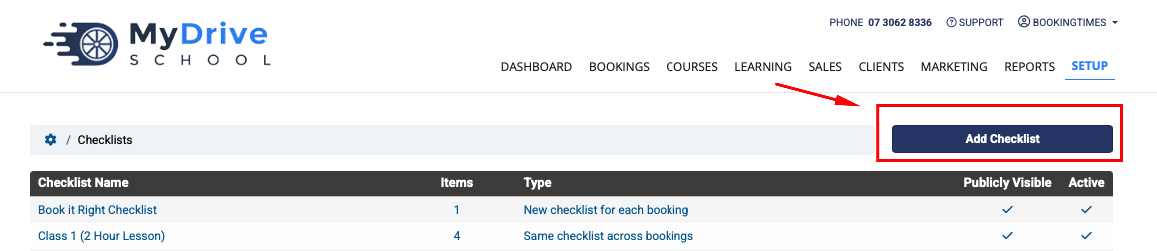
Click on Add Checklist button
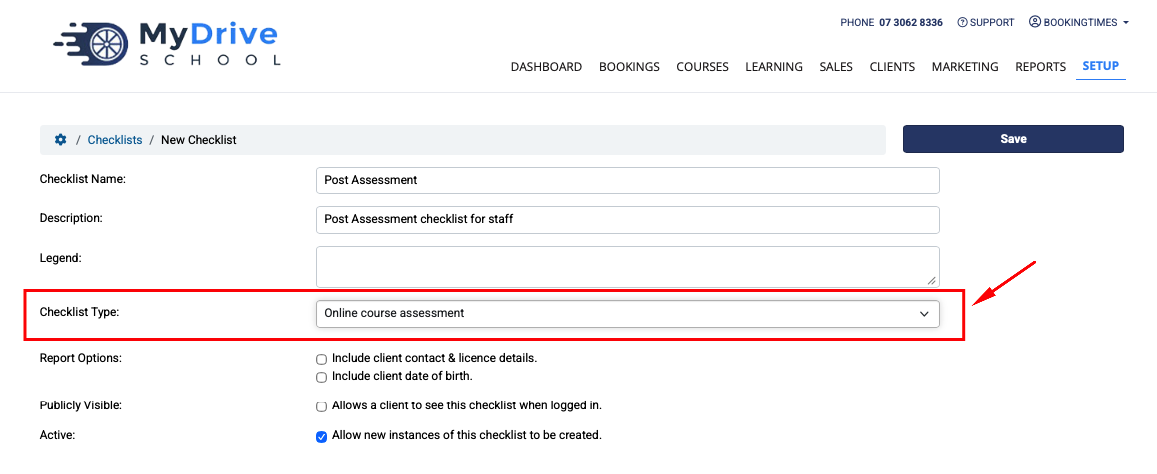
Add a new checklist name and description and other options, just ensure the Checklist Type is set to Online course assessment otherwise it won’t appear in your online course., and click Save
Add any checklist items you require, and click Save when complete.
See Creating a booking checklist article on the checklist item options.

Now go back to your online course, refresh the page, and select the new checklist you created in the Post Assessment drop down list, and click Save.
Viewing and completing a post assessment checklist as an assessor
Steps
Go to the client’s online course that you wish to complete the checklist for and go to the Assessment tab. This can be via:
Learning menu > All Courses tab > select the course > select Client
Go to client’s record, click on their completed Online Course.
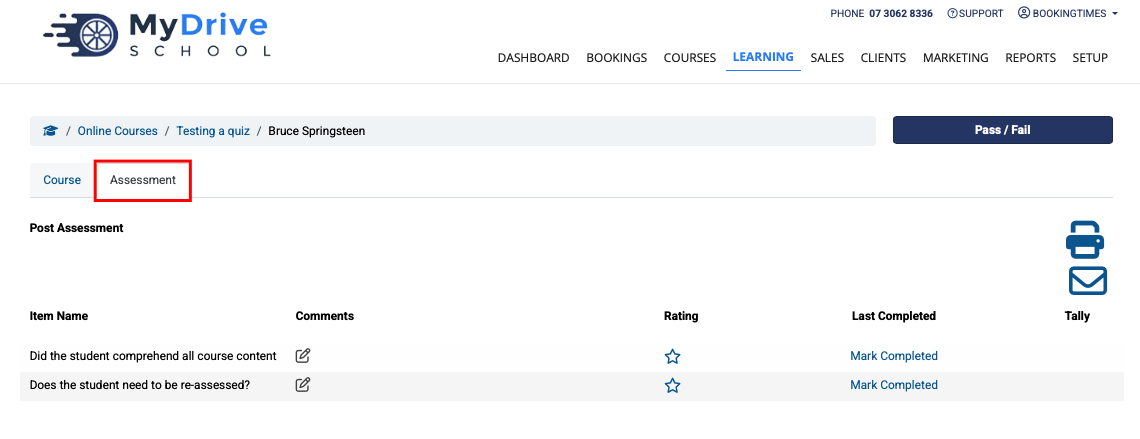
On the Assessment tab complete the checklist by clicking on the edit icons for the Comments or Rating columns. They can be updated many times, with the Last Completed column reflecting the timestamp.
The Printer icon allows you to download a PDF file of the checklist and answers
The Envelope icon allows you to email this checklist to the client
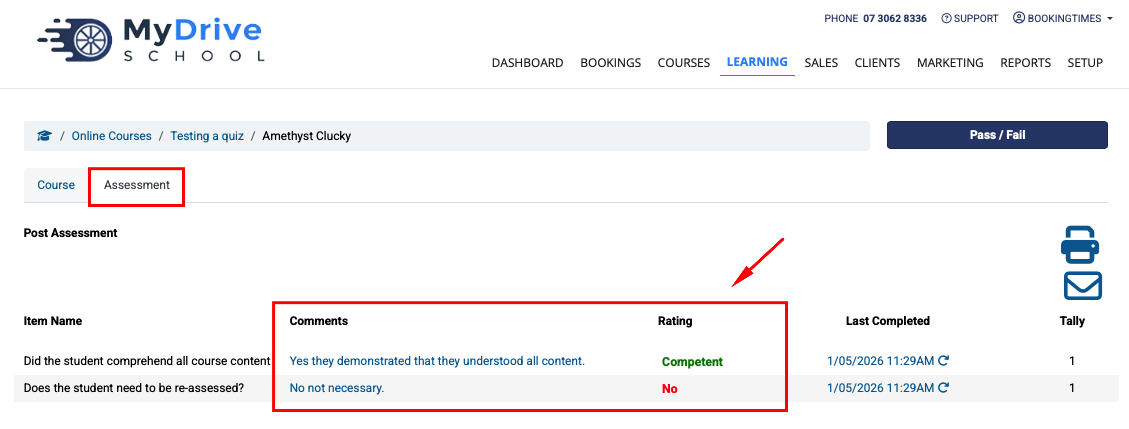
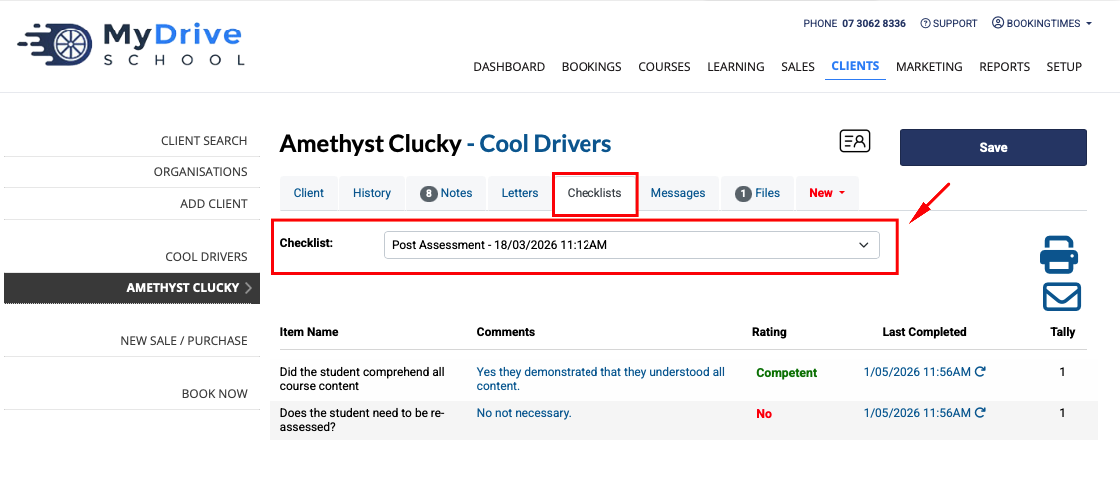
The post assessment checklist is also available on the client’s profile via their Checklists tab and selecting the post assessment checklist.
Note: it will only appear there once at least one item has been saved via the Online Course Assessment tab as per the above step. After that, it can be edited from either place by the assessor/admin.