You have the ability to download all your online course content (for saving or printing). This can be useful if you need to get your content approved by any regulators, or you just wish to have a copy of your content.
Steps
Navigate to Setup > Bookings > Online Courses > select online course
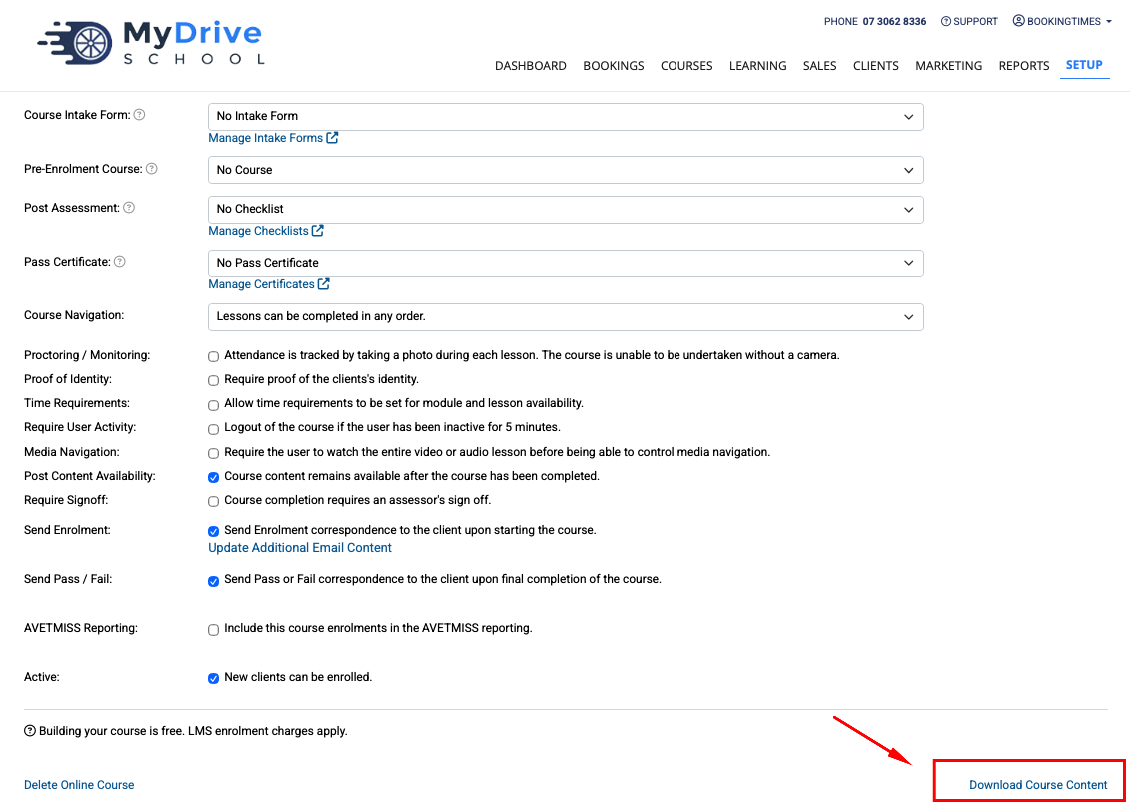
Scroll to the bottom of the Course tab and click then Download Course Content link.
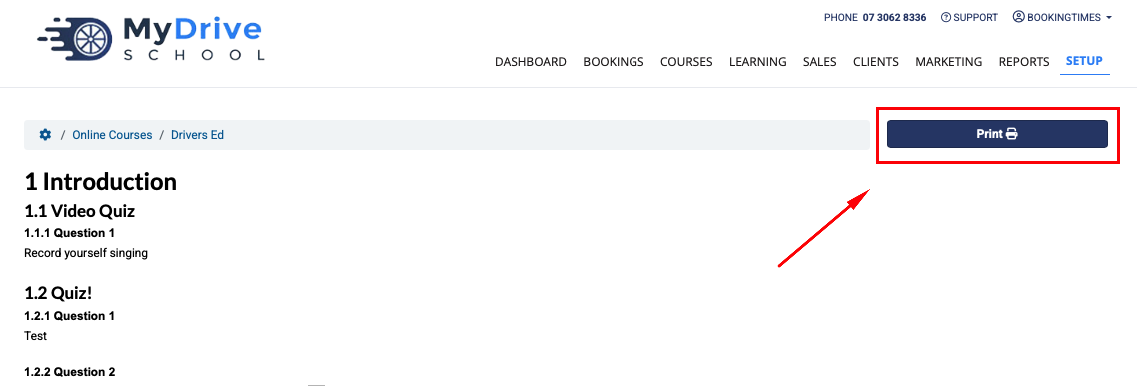
Click the Print button and it will open the content ready for downloading or printing.