There are several places across the website that use information from your main business location: email, phone and address details.
These include the phone number that appears at the top of your website, all details on the contact page, contact details on invoices, and the email that booking reminders are sent from.
Though often the same as the general email set up for business correspondence, ensure you update the email on the main business locations if you want that to be reflected on your website as per below examples.
If you have multiple locations, your main business location is the first location listed under Setup > Locations according to the displayed sort order.
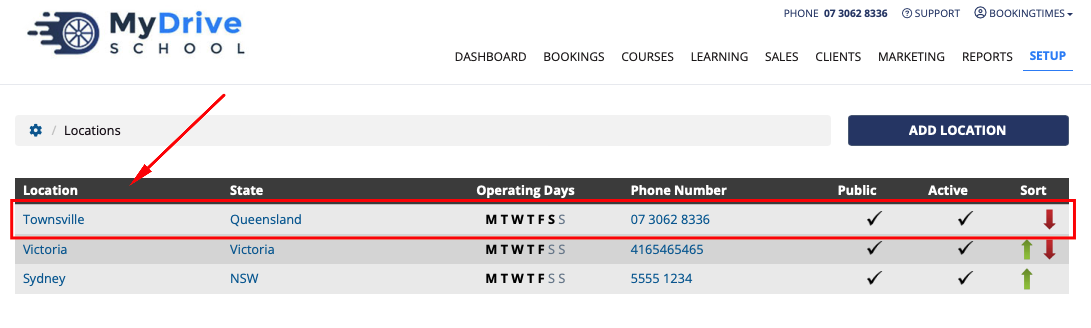
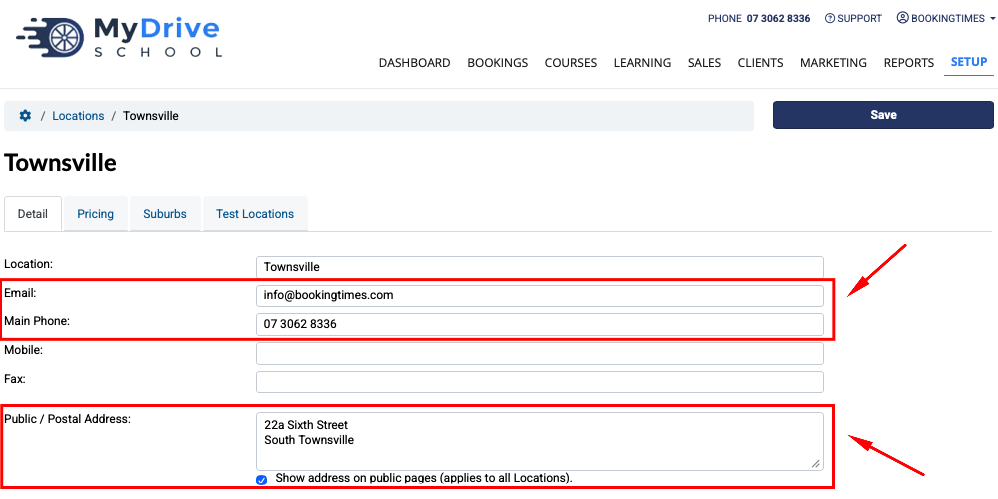
Then within each location you’ll find the following details: Email, Main Phone and Public / Postal Address fields. Each of these are referenced in the below sections.
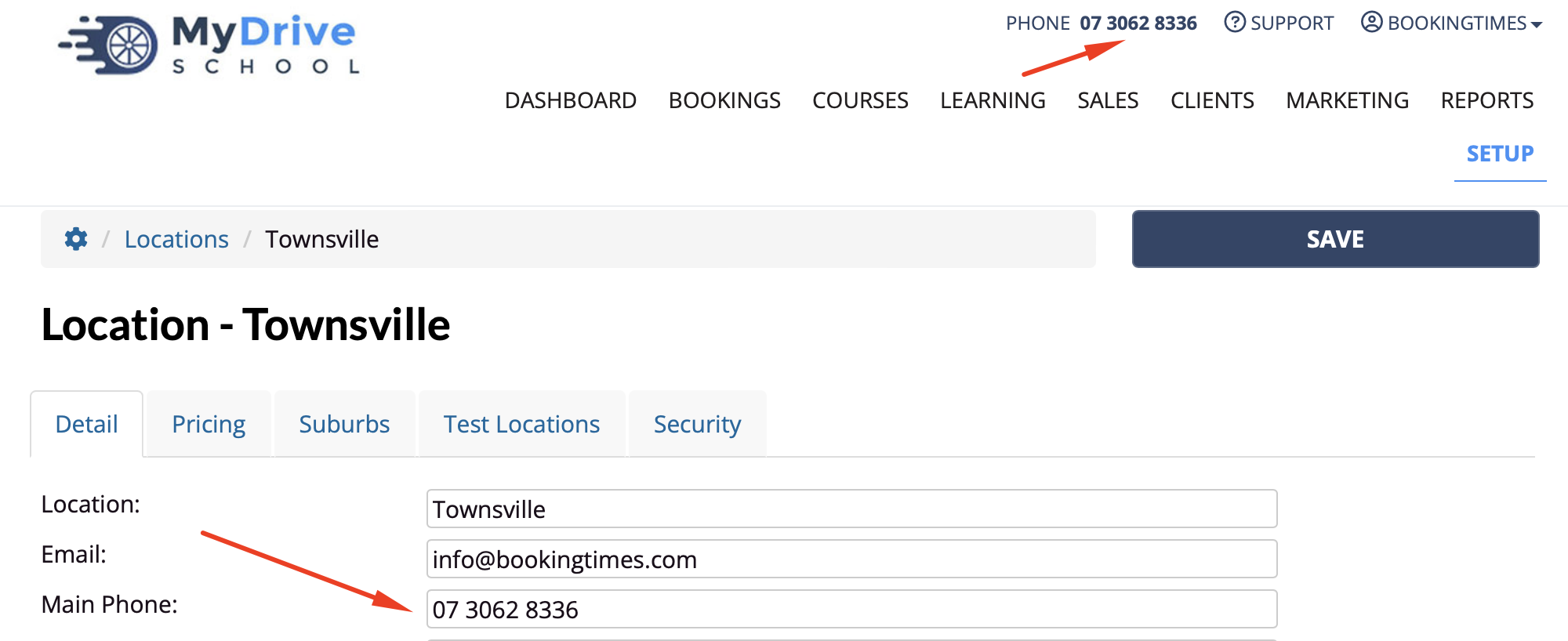
Phone number on website header
The contact phone number that is displayed at the top of your website is the phone number that is added from your main business location via Setup > Locations > select main business location > Main Phone.
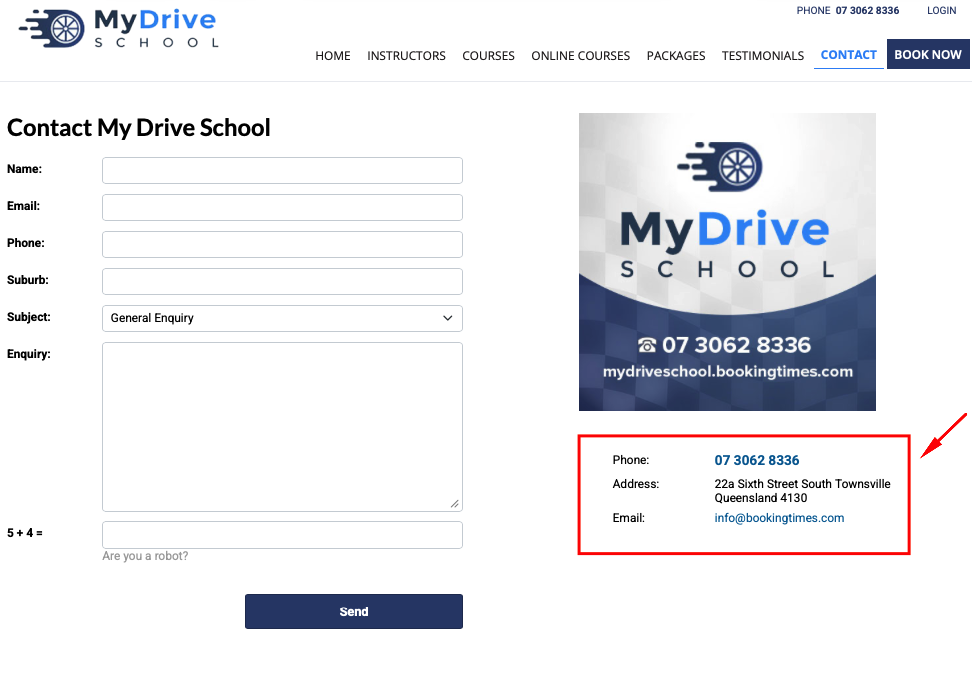
Phone number, address and email on Contact form
The phone number, address, and email that appears on your Contact enquiry form, is added from your main business location via Setup > Locations > select main business location and the following fields:
Main Phone
Public / Postal Address
Email
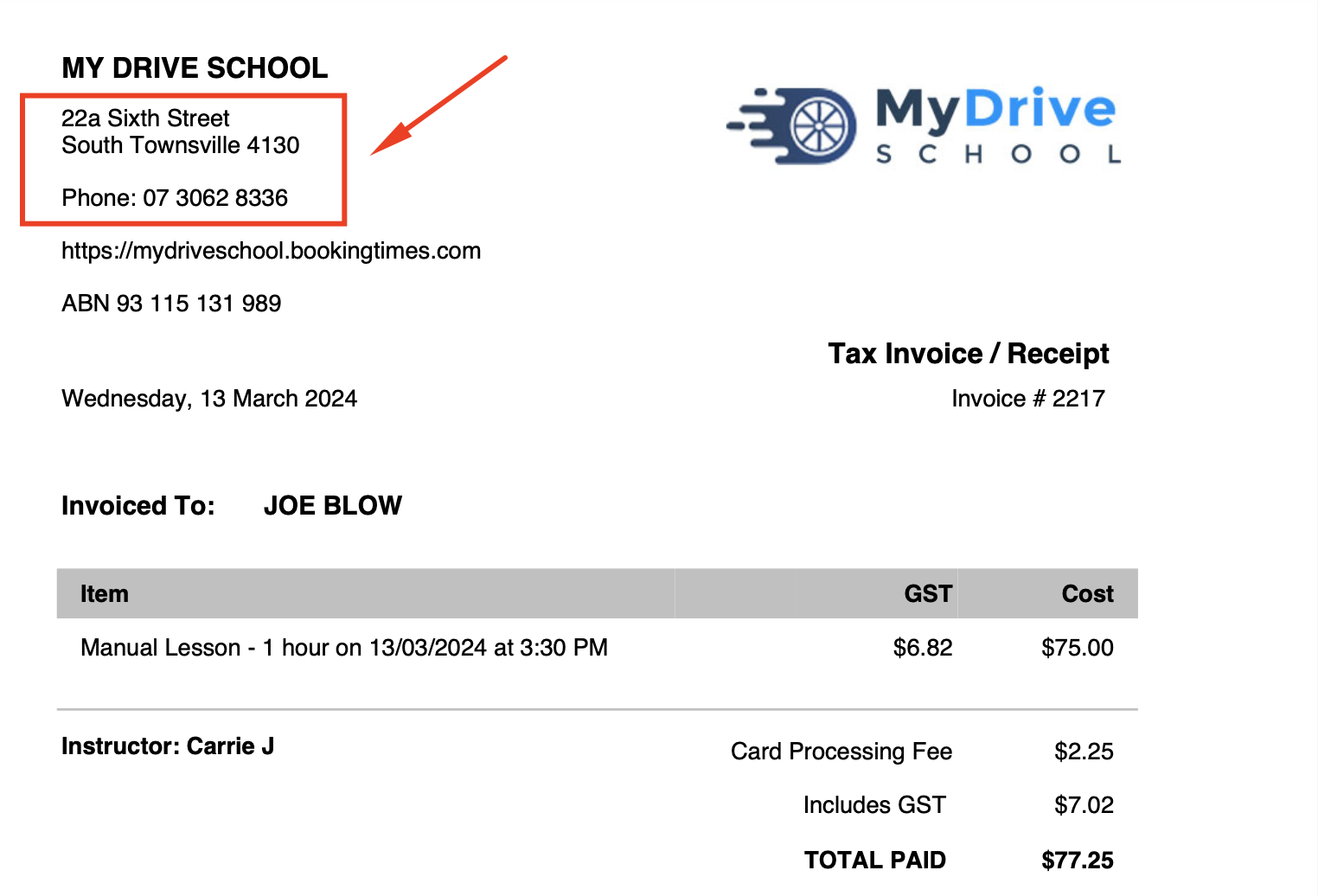
Phone number and address on invoices and letters
For bookings, the phone number and address that is displayed on any invoices or letters is based on the details that are set up for the location that the booking was made for via Setup > Locations > select location and the following fields:
Public / Postal Address
Main Phone
For product purchases etc (where there is no associated location), the phone number and address is based on the details that are set up for your main business location.
For this booking, you can see the location’s address based on where the booking is:
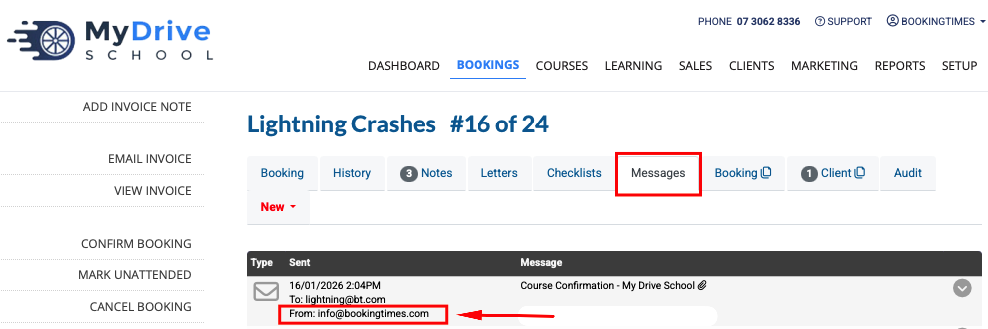
Location email address used for booking confirmations
Any booking confirmations for this location will come from the email specified under the location via Setup > Locations > select Location > Email that the booking was made for.
General business email vs location email
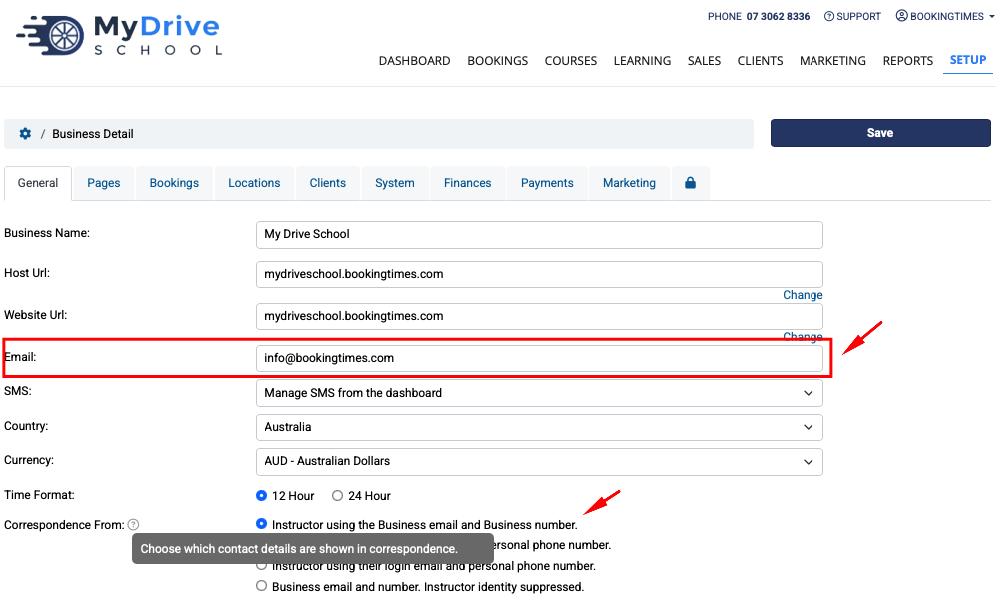
Though often the same, the general business email that is set up under Setup > System Settings > Business Detail > General tab > Correspondence From is used to determine which contact details are shown in email correspondence (usually as part of the email signature) based on your configuration. In summary:
The General business email is used for the following correspondence to the client (i.e. this will the email that it’s sent FROM)
The display email in homepage/footer/published pages, wherever "@Email" placeholder is used
Sending an email directly from a client record
General enquires sent from form on the Contact page
The Location email is used for the following correspondence to the client
All booking reminder confirmations
Display email on the Contact page (e.g. YourDomain.com/Contact)
For example, in the below configuration if you’re using the Business Email in your selected Correspondence From option, then it will use the email that’s listed above in any client correspondence.
sdf