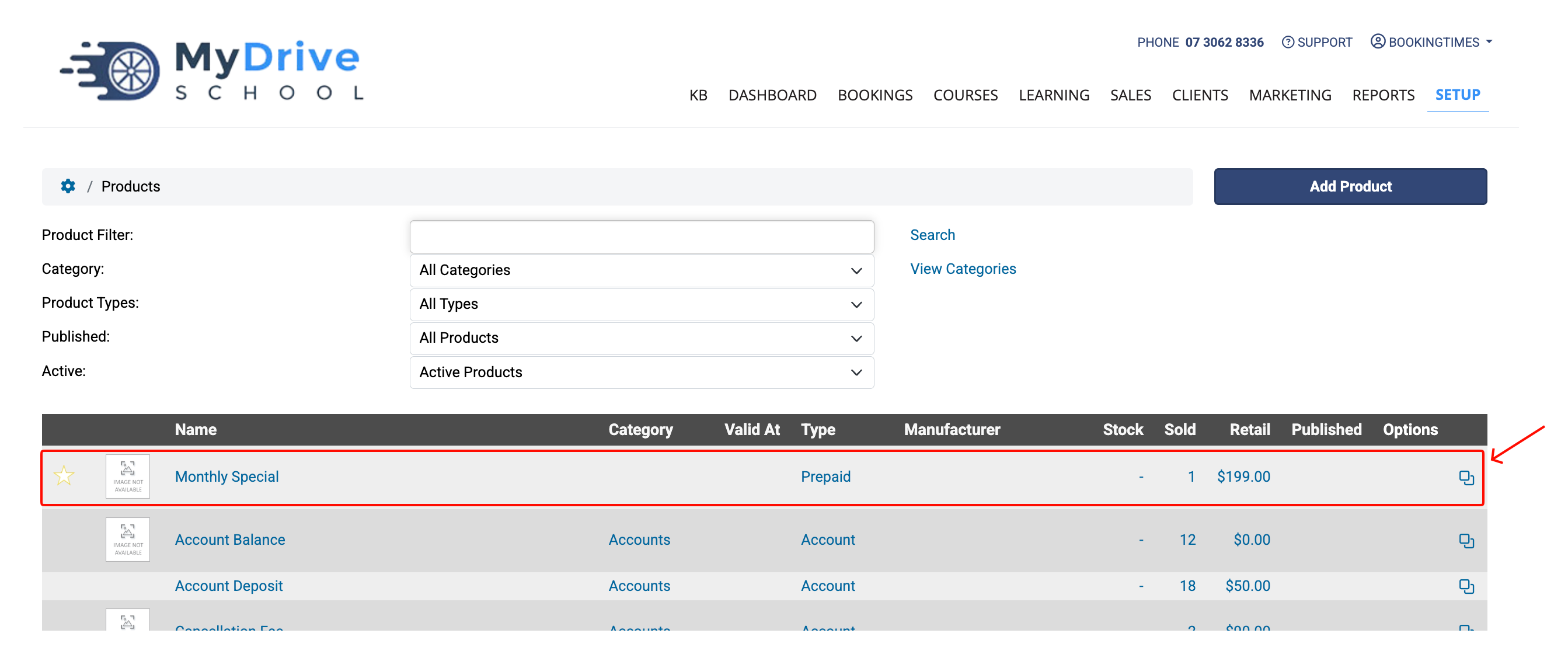
Previously deleted products and packages can be restored.
Steps
Navigate to Setup > Shopping > Products & Packages.
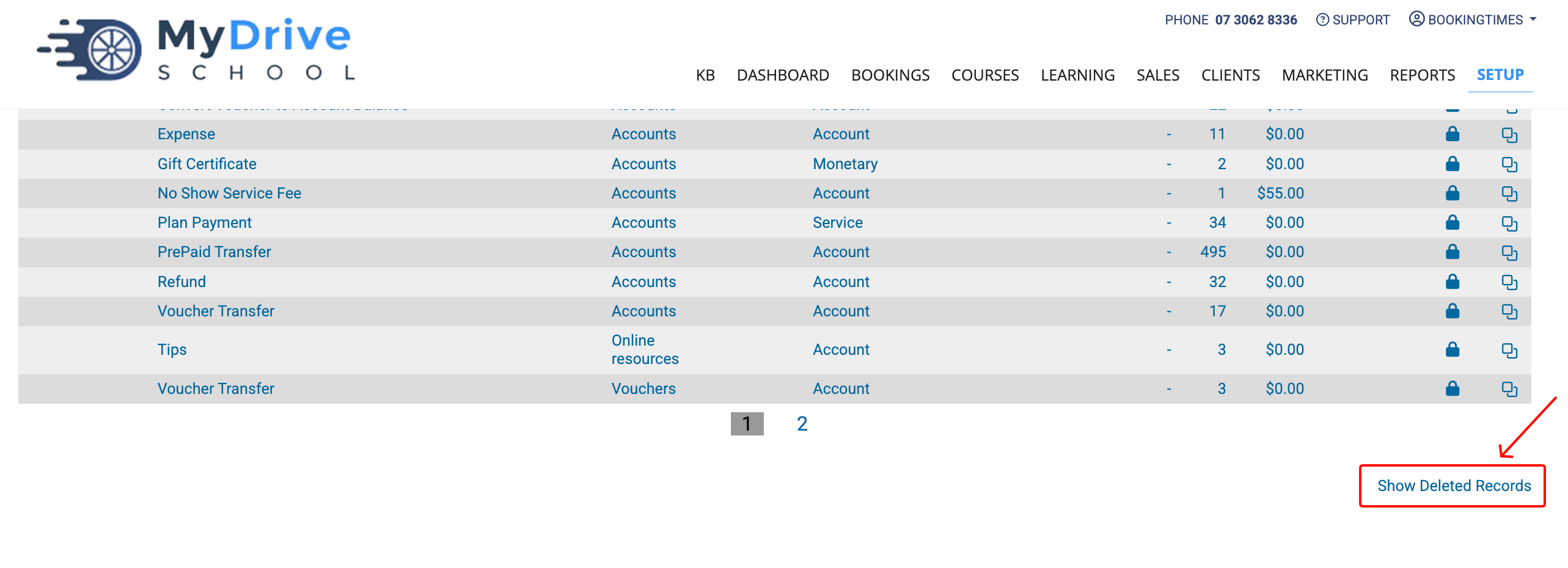
Scroll down to the bottom of the products listing and click the Show Deleted Records link.
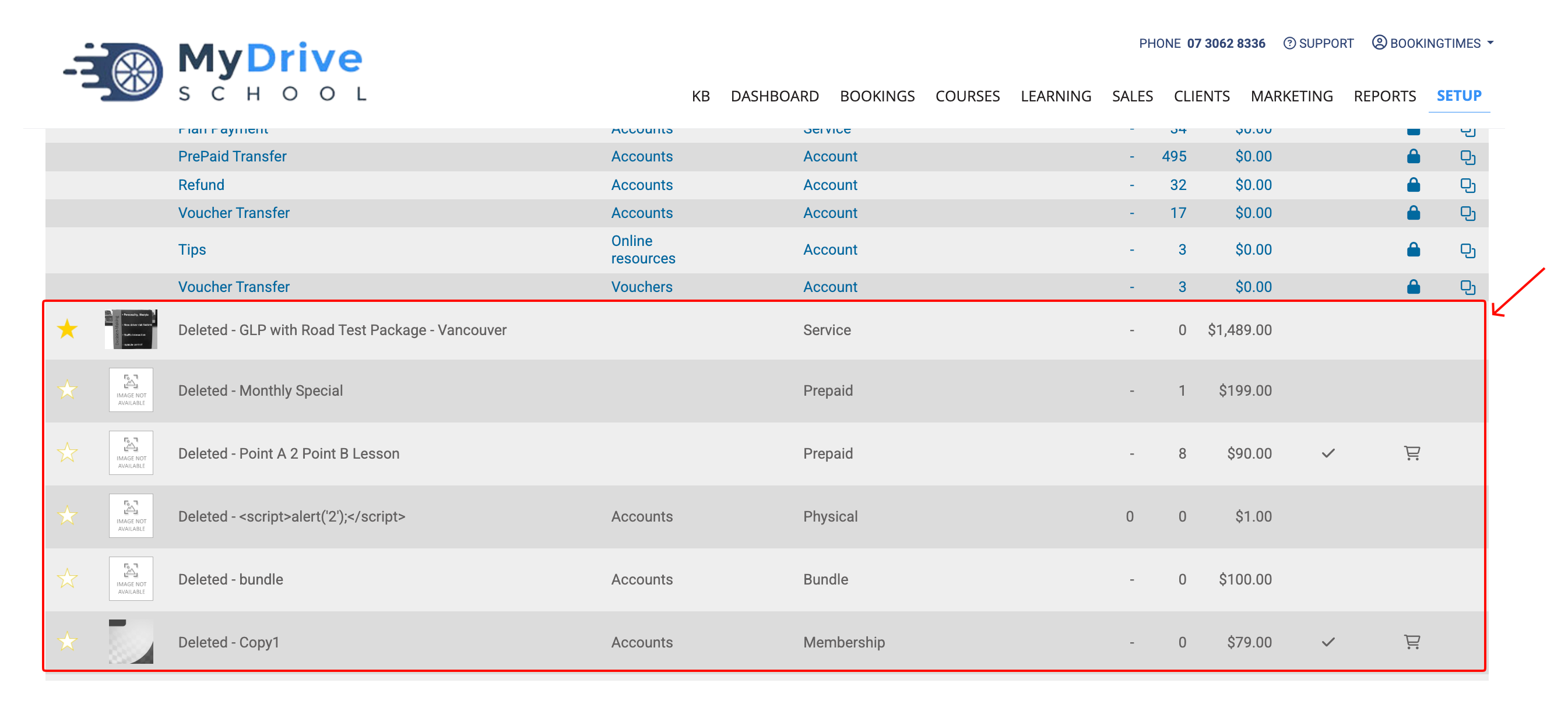
Any previously deleted products or packages will now be visible.
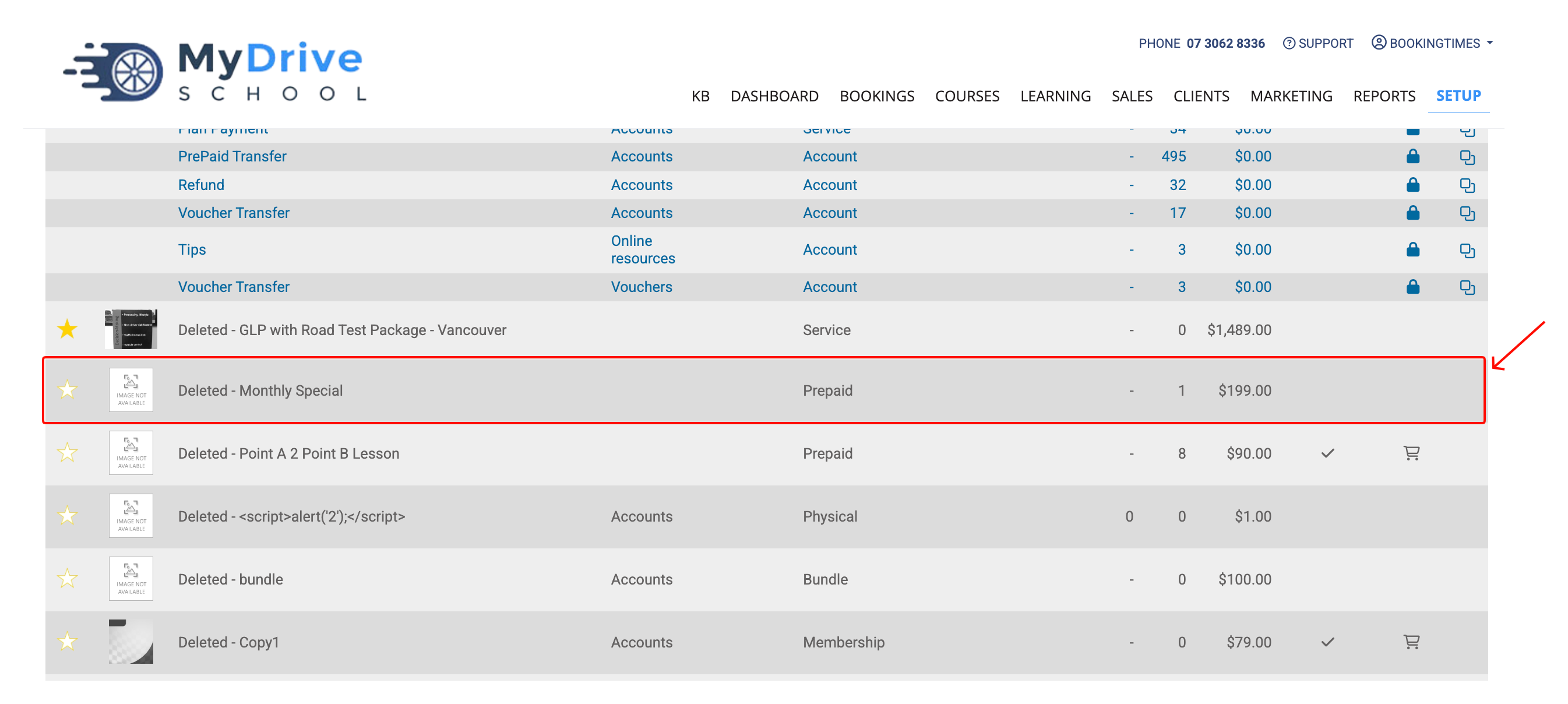
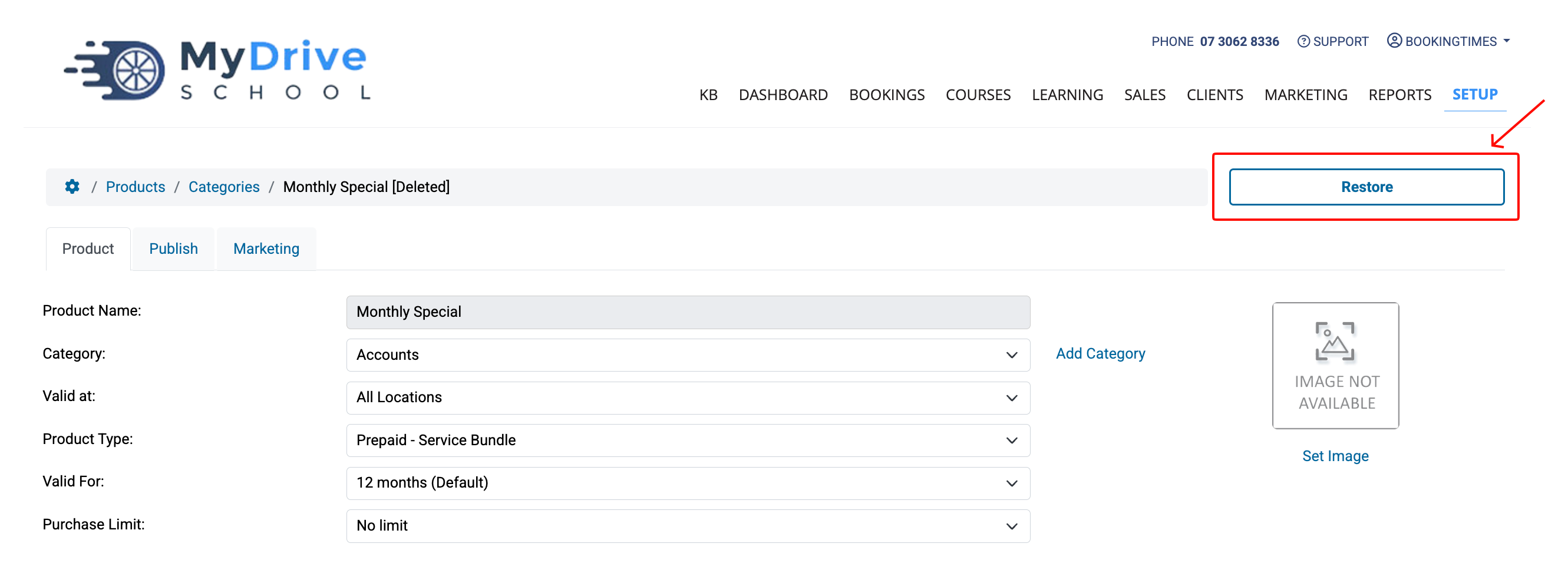
Select the deleted product or package that you would like to restore.
Click the Restore button.
Click the Restore Product button.
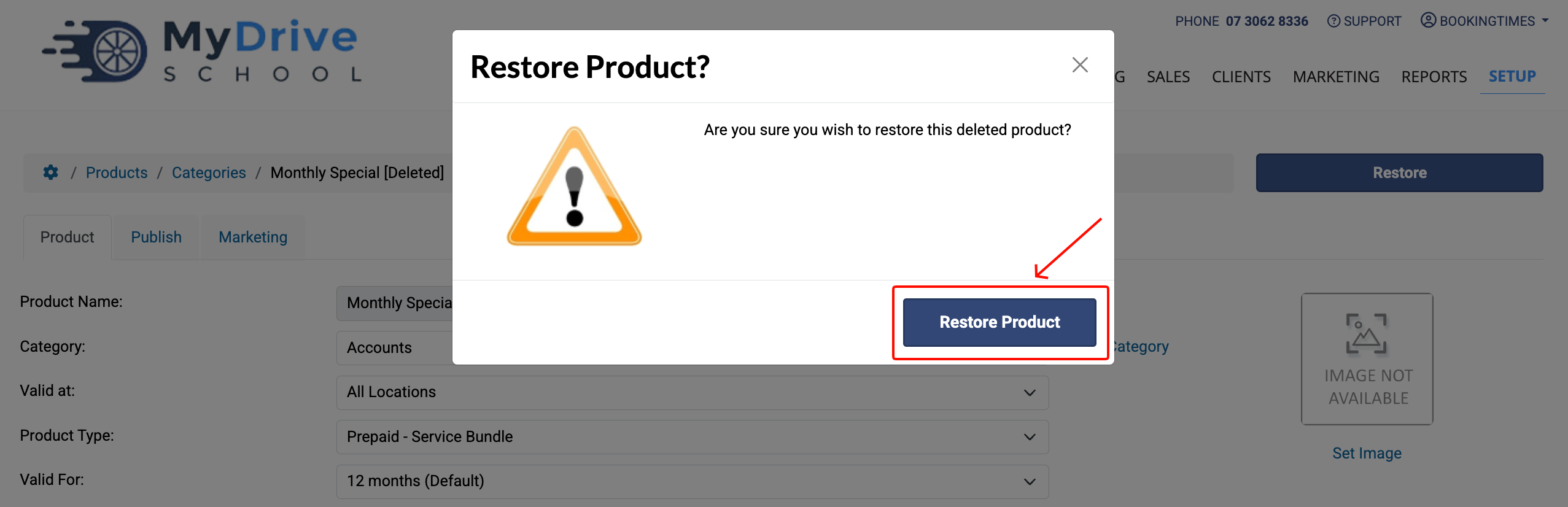
Your product or package has now been restored and will now be visible in the products list.