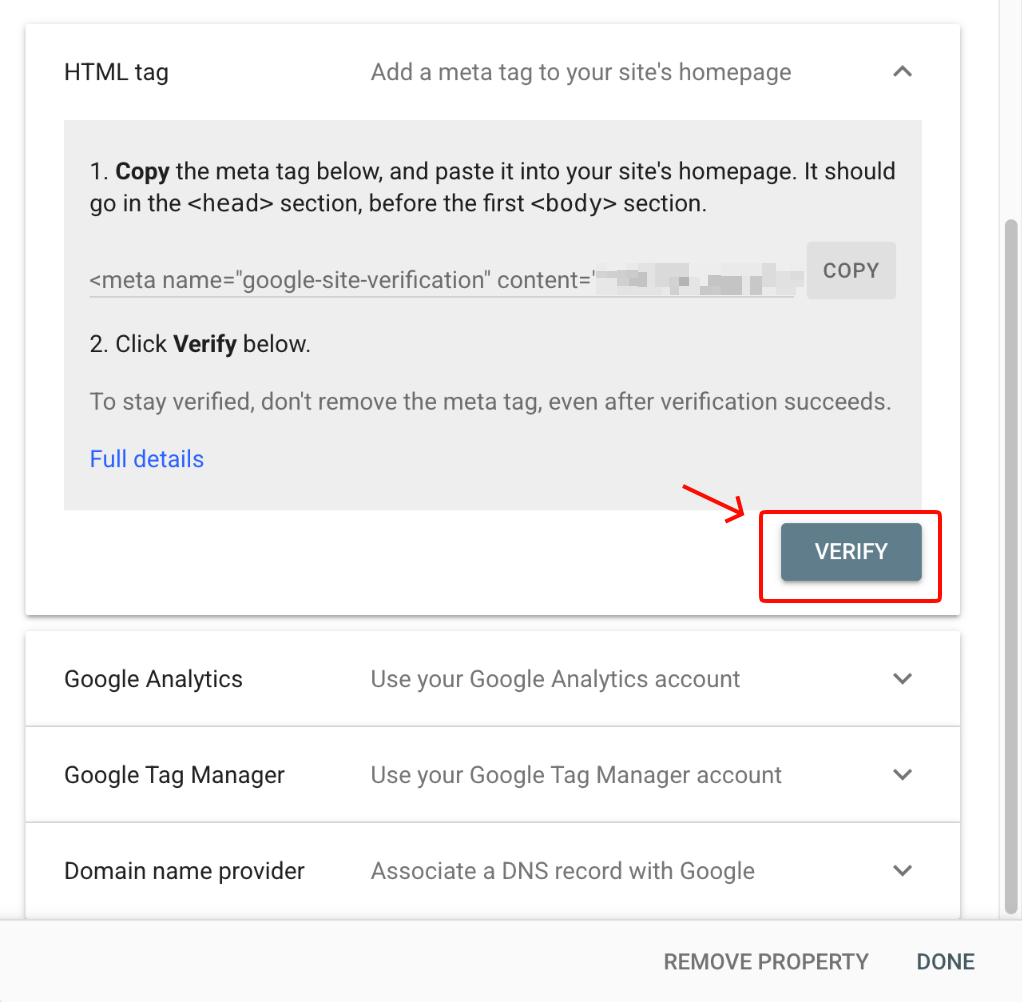
If you need to verify your Google Search Console account, we recommend using the HTML tag option, and copying that into your site.
Steps
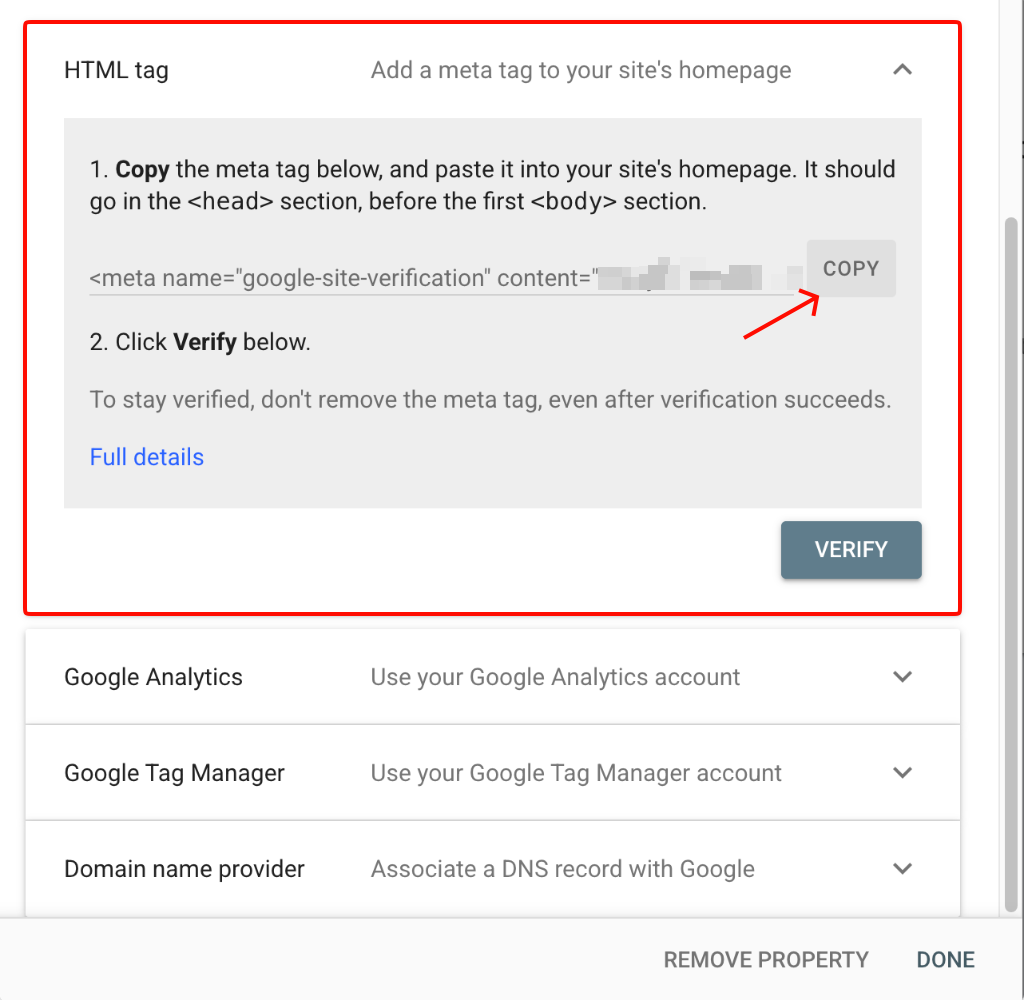
Log into your Google Search Console account, expand the HTML tag option and click on the Copy button
Back in your BookingTimes system, go to Setup > Integrations >Analytics and tracking > <head> tab and paste in the HTML tag that you previously copied.
Click Save All
Finally back in your Google Search Console account, click on the Verify button